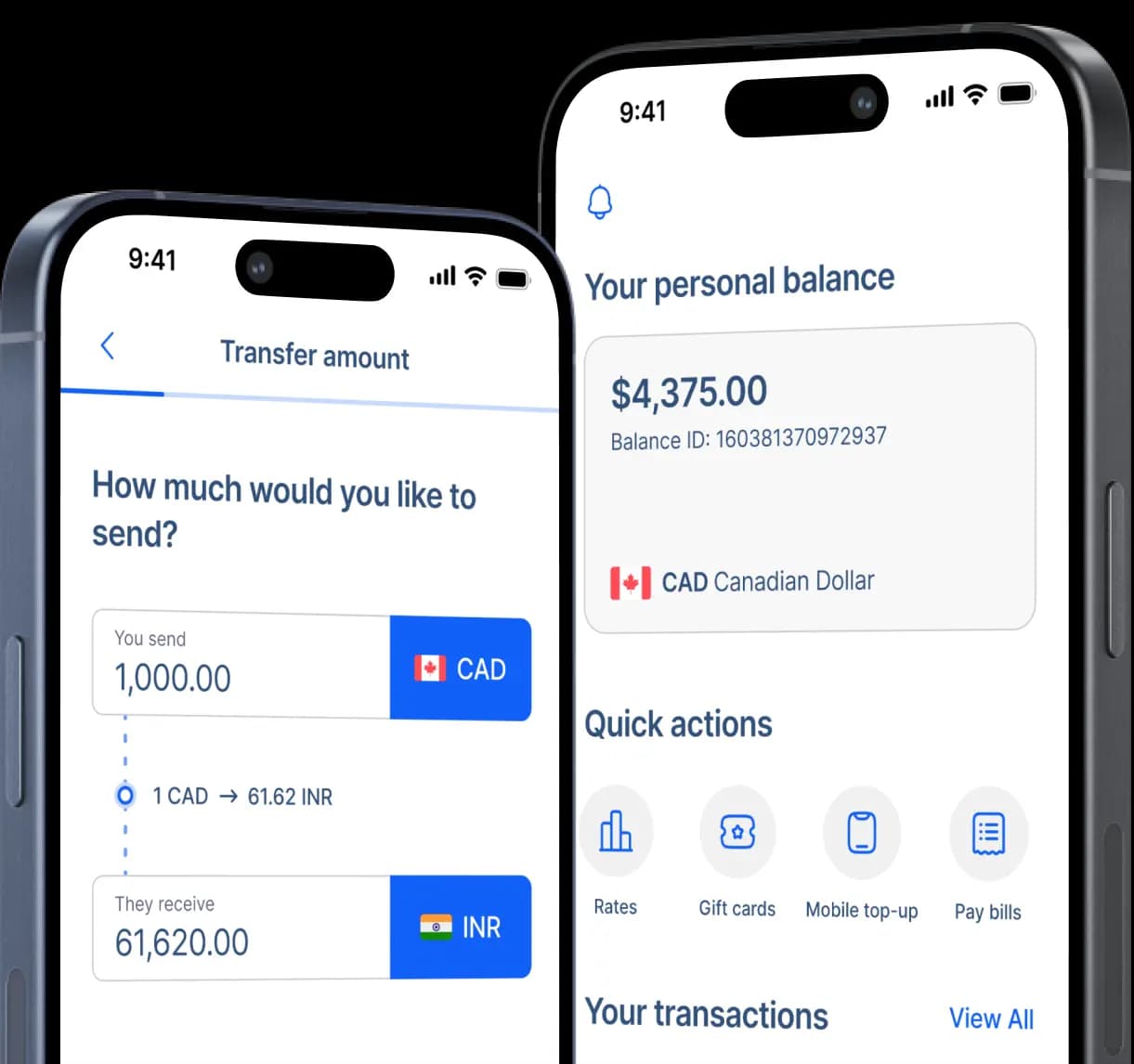
Send Money to Easypaisa in Pakistan
Send Canadian dollars directly to an eligible Easypaisa account in Pakistan, with the transfer fee, CAD-to-PKR exchange rate, estimated delivery, and expected rupee amount shown before you confirm.


Fast and secure
How to send money to Easypaisa from Canada
Step 2: Select Mobile Wallet as your recipient's receiving method.
Step 3: Enter your recipient's name as requested for the transfer.
Step 4: Choose Easypaisa as the mobile wallet provider and enter the recipient's Easypaisa mobile number in the requested format.
Step 5: Add the recipient's home address and any other information requested during the transfer.
Step 6: Enter how much CAD you want to send and select the purpose of your transfer.
Step 7: Choose Interac e-Transfer, EFT, bill payment, debit card, or another available payment method and follow the funding instructions.
Step 8: Review the recipient details, CAD-to-PKR rate, transfer fee, expected PKR amount, and delivery estimate before confirming and tracking your transfer.

How Easypaisa puts everyday money at your recipient's fingertips
Easypaisa has been changing how Pakistan moves money since 2009. It began as the country's first branchless mobile money transfer service and has grown to more than 50 million registered users. In 2025, Easypaisa Bank Limited became Pakistan's first licensed Digital Retail Bank.
An Easypaisa account is built around the recipient's phone. Customers can create an account using their CNIC and mobile number, and Easypaisa supports users across Pakistan's major mobile networks. The service is designed to give customers access to financial services without relying on a traditional branch visit.
International remittances can go directly into Easypaisa. Canadian senders using RemitBee can choose Easypaisa as the mobile wallet receiving method instead of sending the money to a traditional bank account or arranging cash pickup. The recipient can then access the funds through their Easypaisa account.
The money can keep working after it arrives. Easypaisa supports money transfers, bill payments, mobile recharge, merchant payments, savings and other digital financial services. Customers can also withdraw available funds through supported Easypaisa merchants, ATMs, or a linked transfer to a conventional bank account.
Why choose Easypaisa for money transfers to Pakistan?
For recipients who already use Easypaisa, direct wallet delivery keeps the transfer in a familiar digital account. RemitBee also supports bank deposits and other mobile wallets if you'd like to compare different ways to send money to Pakistan. RemitBee lets Canadian senders review the CAD cost, exchange rate, expected PKR amount, and delivery information before confirming.

RemitBee's current Easypaisa transfer page states that Easypaisa does not deduct a receiving fee from international remittances, so the recipient keeps the value credited to their wallet. The sender can review RemitBee's own transfer fee and CAD-to-PKR conversion before confirming.

Easypaisa goes beyond receiving money. Once funds are available, recipients can use supported services for bills, mobile recharge, transfers, merchant payments, savings and other everyday financial needs, helping one international remittance cover more than one type of expense.

Recipients do not need a separate traditional bank account simply to receive an eligible Easypaisa wallet transfer. Easypaisa is now a digital bank and gives customers mobile access to their account, while cash withdrawal remains available through supported merchants and ATM channels when physical cash is needed.
Receive money in Easypaisa and use it your way
From there, the recipient can keep the money in their account, make supported payments, recharge a mobile phone, pay bills, send money, or withdraw cash through eligible Easypaisa channels. Withdrawal charges and transaction limits are separate from receiving an international remittance, so recipients should check their current account limits and applicable charges before moving or withdrawing larger amounts.

RemitBee is better on the app!