Send Money to Global Pinoy Remittance for Cash Pickup in the Philippines
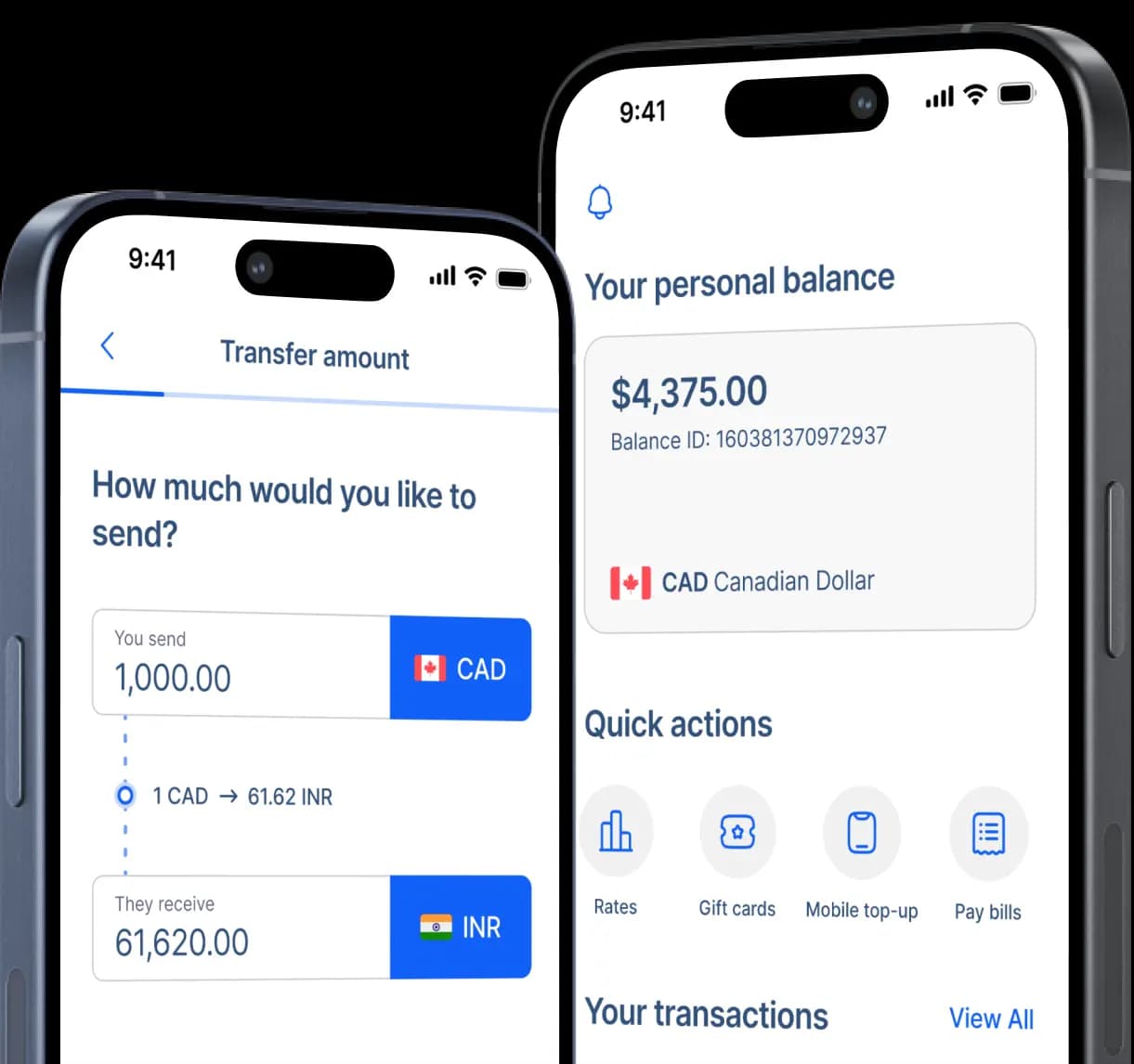
Send Canadian dollars for Global Pinoy Remittance cash pickup in the Philippines with RemitBee. Review the CAD-to-PHP exchange rate, transfer fee, expected peso payout, and delivery estimate before confirming the transaction.


Set up the pickup from Canada
How to send money to Global Pinoy Remittance
Step 2: Select Cash Pick-up so the transfer is prepared for in-person collection through a supported agent.
Step 3: Enter your recipient's full legal name, mobile number, email address, and home address.
Step 4: Check the recipient information with them before moving to the provider selection.
Step 5: Choose Global Pinoy Remittance from the available pickup or Bank options shown.
Step 6: Enter the recipient account number requested by the current Global Pinoy Remittance flow.
Step 7: Add the CAD amount, select the transfer purpose, and choose your Canadian funding method.
Step 8: Review the recipient details, CAD-to-PHP quote, fee, and payout route, then confirm and track the transfer.
Global Pinoy Remittance remains part of the Philippine remittance sector
Global Pinoy Remittance and Services Inc. appears in the Bangko Sentral ng Pilipinas directory of registered money service businesses, where its head office is listed under remittance and transfer company activity.
The current BSP directory places that head office in Araneta Center, Socorro, Quezon City, giving the provider a documented operating base within Metro Manila.
The Anti-Money Laundering Council's January 2026 register also includes Global Pinoy Remittance and Services Inc., providing another current regulatory record for the business.
RemitBee currently lists Global Pinoy Remittance among its Philippine cash-pickup partners alongside Cebuana Lhuillier, CIS Bayad Center, Land Bank, BDO, Palawan Pawnshop, and M Lhuillier.
Three checks that deserve attention before you choose Global Pinoy
Global Pinoy has a less conventional RemitBee setup than several Philippine cash-pickup partners, so careful setup is especially useful here. Focus on what the current transfer form requests, what your recipient will receive in pesos, and which pickup option is actually attached to the transaction.

RemitBee's dedicated page currently tells senders to choose To Pickup, select Global Pinoy Remittance under the Bank options, and then enter a recipient account number in the Bank account field. That combination can look unusual for cash collection, so complete the fields exactly as the current RemitBee flow presents them and confirm the requested number with your recipient before submitting.

RemitBee currently charges $2.99 below $500 CAD when e-Transfer, EFT, or bill payment is used, while those methods are fee-free above $500. Debit pricing follows a separate scale. Review the fee together with the live CAD-to-PHP rate and final peso amount rather than relying on older claims about low transaction charges from historical Global Pinoy materials.

Older Global Pinoy materials refer to outlets and partner locations, but those sources are too dated to support a current nationwide pickup count. RemitBee says Philippine cash-pickup locations become available after the sender starts the transfer and selects Cash Pickup, so the location shown in the current transaction should guide the recipient rather than an old GPRS directory.
Keep the pickup instructions with your recipient
RemitBee says local providers send pickup instructions by SMS once funds are ready. If that message is missing or the payment cannot be located, the RemitBee transaction receipt contains a pickup reference that can help the payout location trace the transfer. Keep that receipt and every transfer-specific instruction available until collection is complete.

Send money to all major Cash Pickup
in Philippines
RemitBee is better on the app!