What is RemitBee Balance?
Your Balance is where you can keep your own funds on your RemitBee account, ready to use whenever you need them. You now have two Balances — a CAD Balance and a USD Balance — and both appear right on your dashboard.
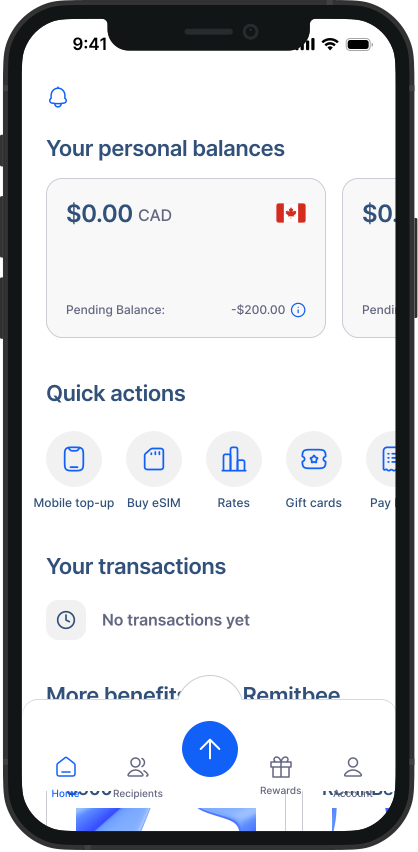
Why keep a Balance?
When you pay for a transfer or exchange using your Balance instead of your debit card, we skip the card processing fees — and we pass those savings on to you. Keeping funds in your Balance also makes your future transactions faster, because your money is already loaded and ready to go.
CAD Balance and USD Balance
Both Balances work the same way and each has its own screen showing your available balance, any pending deposits, and your full transaction history. From either Balance screen you'll find three main actions:
- Deposit — add funds to that Balance.
- Withdraw — move funds from that Balance back to your bank.
- Exchange — convert money between your CAD and USD Balances.
Good to know: You can convert funds between your CAD and USD Balance at any time, with no fee. See How to exchange between your CAD and USD Balance below.
How to add funds
You can load each Balance using different methods, each with its own timeline.
CAD Balance
- Interac e-Transfer — about 15 minutes.
Bill Payment — 1 business day.
Direct Withdrawal (EFT) — 2 business days.
USD Balance
- Direct Withdrawal (EFT) — 2 business days. - Or exchange funds from your CAD Balance at any time.
For the full walkthrough, see How to deposit funds into your Balance.